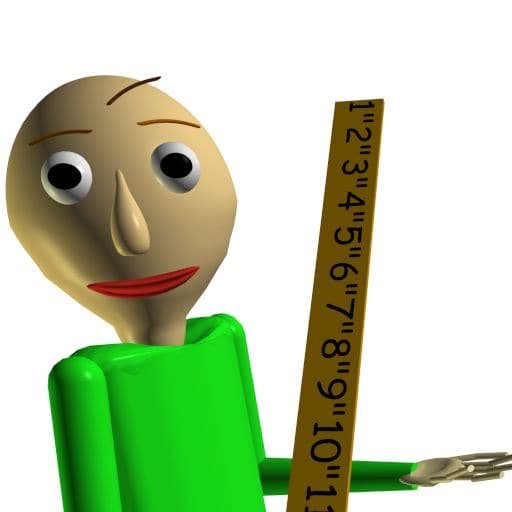
Baldi's Basics Classic: Android installation guide
What to know before playing
Baldi’s Basics Classic is a horror parody, despite its school and maths presentation. The listing describes collecting seven notebooks and escaping, alongside an endless mode. Start by reviewing touch or controller options and learning the school layout. Do not choose it as a conventional educational app simply because it has classroom imagery.
Check availability on your device
Open the linked Google Play listing on the phone or tablet you intend to use. Check its current title, publisher, compatibility message, price, age guidance, and data-safety section. Availability can differ by region and device; an old version number on another website does not establish that the current app will run on your phone.
Install through Google Play
- Use the Google Play button below and confirm the listing matches the app you intend to install.
- Read the current price or purchase prompt, then choose Install or complete the store purchase if required.
- Wait until installation finishes. Open the app and review its first-run controls, account options, and permission requests.
If installation will not finish
Check your connection and free storage, close and reopen Google Play, and restart the phone if needed. Google lists these as basic download troubleshooting steps. If the listing reports an incompatible device, check its requirements instead of assuming that an unofficial installer will resolve the problem.
Updates, purchases, and saved progress
Look for app updates in Google Play under Manage apps & device. Before removing the game, review its own save or account options. Reinstalling does not guarantee recovery of progress stored only on the device. If the app was purchased, use the Google account that made that purchase; another platform edition may require a separate purchase.
More game information
Visit our Baldi's Basics Classic detail page for additional information. Playrivo links to the store; it does not supply an APK or process the purchase. Where the store title differs from this page, use the current listing to decide what you are installing.
Sources checked October 3, 2026: current Google Play listing, Google Play download troubleshooting, and reinstalling purchased apps. This is a store-based guide, not a hands-on performance test.